Resources

Payroll guide

Learn more about how Thatch manages payroll for your benefits.

Setting up payroll

1. Sign up for an account

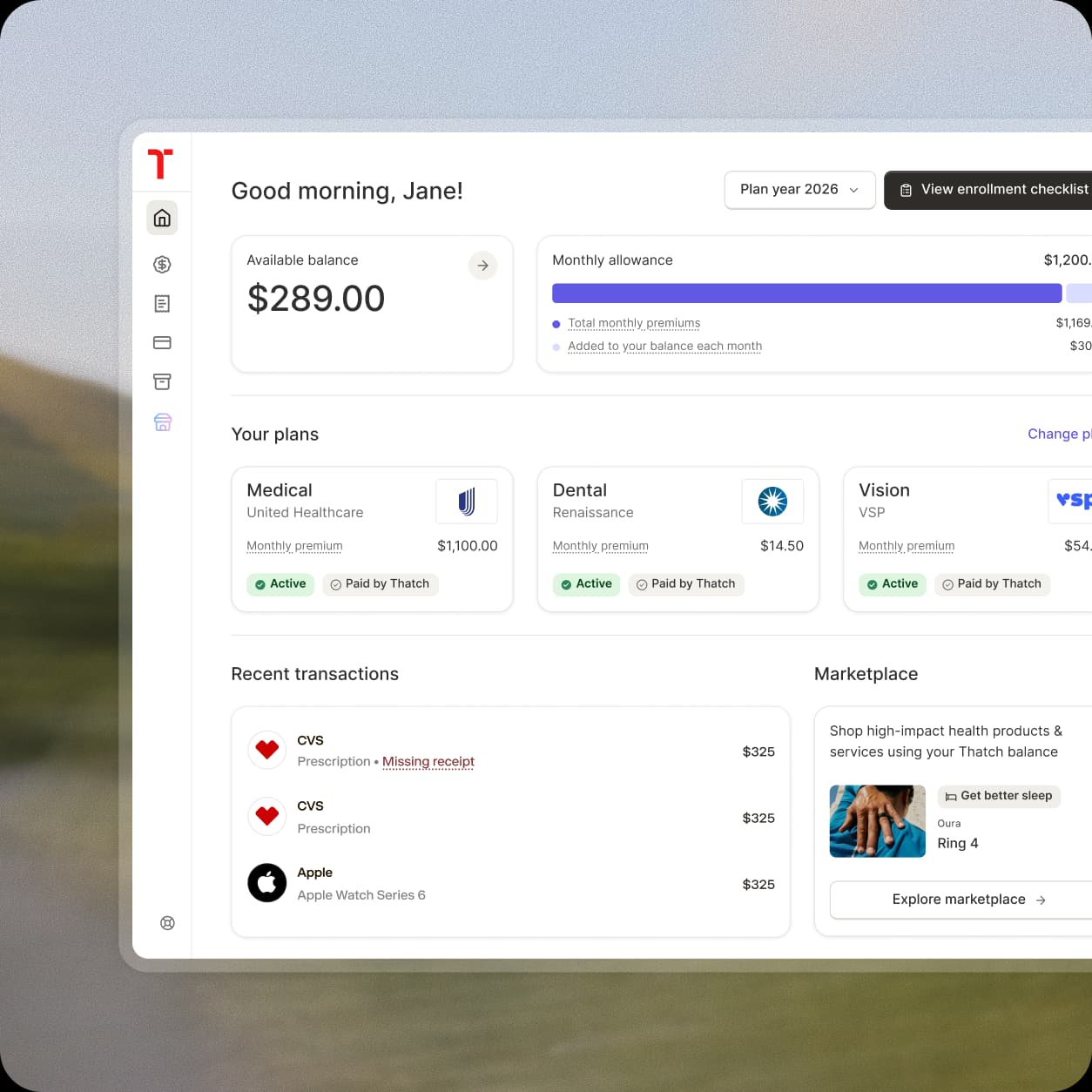
Thatch connects to your payroll provider during the onboarding process for your business. You can create an account with Thatch to get started. If you already have an account, you can configure payroll on the settings page of the dashboard.
2. Connect your payroll provider

During the onboarding process, Thatch will ask you to connect your payroll provider. Select or search for your payroll provider and log in to connect it. If you don’t see your payroll provider or can’t connect it, read about how to use manual payroll files below.

(Alternative) Use manual payroll files

If you can’t connect your payroll provider, Thatch provides manual payroll files that you can use with your payroll service to apply deductions. More on this below in the manual payroll files section.

How to use manual payroll files

Regardless of the payroll provider your company uses, Thatch can work with your payroll system via manual payroll files. Here’s what to expect.

1

Thatch will send you a payroll file via email. This will arrive at the beginning of each month from hello@thatch.com, and the file contains a list of your employees and their pre- and post-tax deductions.

2

Create the relevant benefit types within your payroll system. For the pre-tax deductions, create a Section 125 Medical deduction type. For post-tax deductions, create a Custom Post-Tax deduction type. These are sometimes categorized under “fringe benefits”.

3

You will apply the deductions in your payroll system. Only apply the payroll file to a single payroll statement.

Note

Manual payroll files are only valid for that specific month. They are not recurring amounts. You will receive new files with new employees and new deduction amounts each month.

FAQ

We integrate directly with the majority of popular payroll providers, including Gusto, Justworks, Zenefits, QuickBooks, via direct login using your username and password. Some payroll providers (ADP, Paylocity, Paycom, etc.) are easy to set up but require a bit of manual intervention from us. Any others typically work with payroll files, which we can provide.
Thatch bills you once a month, on the 1st of each month.

At the beginning of each month, Thatch looks back at the previous month’s transactions for your employees. These transactions are added up, and you are invoiced for the total of the transaction amounts.

Your total bill includes the healthcare budget you have set for your team, along with any additional spend your employer may have made (if enabled).

If your employee spends more than their allowance, Thatch fronts the funds, bills the employer, and the amount is deducted from the employee’s future paycheck.

You will always be billed for the full amount your employees spend on Thatch, including any amounts over their allowances. However, you will recoup any amount employees have spent over their Thatch allowance through payroll deductions.
Thatch runs payroll once a month on the 1st of each month.
At the beginning of each month, Thatch gathers each employee’s previous month spend, and determines how much of it was covered by their Thatch allowance. Any remaining amount results in a payroll deduction so you can recoup employee overspend.

Thatch deductions are only deducted once a month. They are not recurring or split across multiple pay statements, as the deduction amounts reflects each employee’s monthly spend over their Thatch allowance.

Automated: Thatch automatically manages your payroll deductions, setting up a one-time deduction for one pay statement each month.

Manual (Payroll File): Thatch will generate a file listing each employee’s total overage amounts. The amounts represent the total employee overages, so they can be applied to one pay statement per month, or the amounts can be divided over two or more pay statements.

Pre-tax medical (Section 125): These pre-tax deductions can be used to deduct employee spend toward medical premiums. Their pre-tax nature saves you and your employees money.

Post-tax: Post-tax deductions are used for miscellaneous medical spend, and certain medical premium spend that is not eligible for pre-tax deduction.